 Aplas Docs
API keys
Programmatic access to your inventory, over the API and the MCP server
An API key gives a program access to your organization's inventory — over the REST API, and over the MCP server that connects AI assistants to it.
Keys live at Configuration > Api Keys, reachable from the settings icon in the studio top bar.
Creating a key
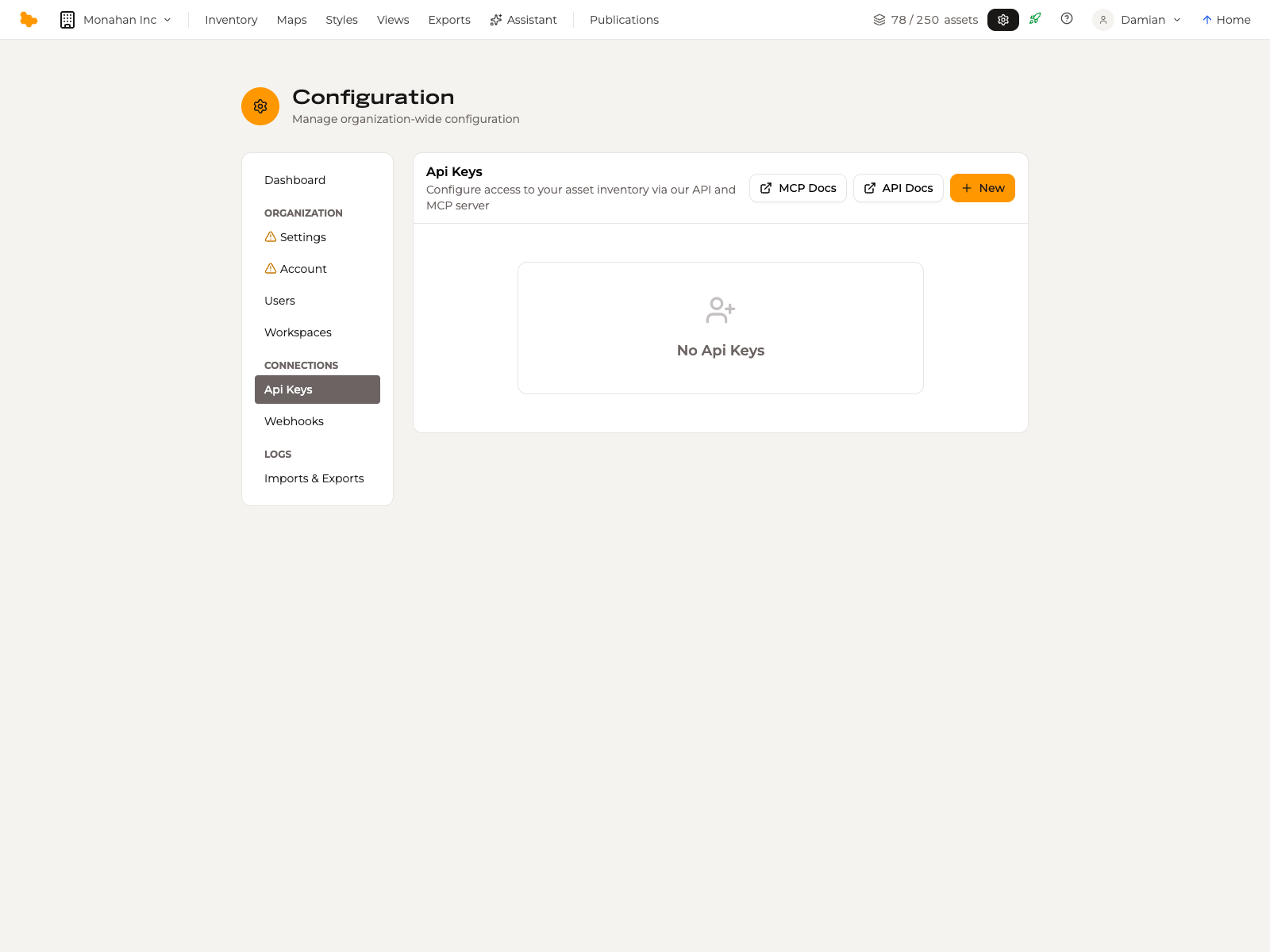
New creates a key. The page also links straight to the two references you are likely to want beside it:
- API Docs — the REST API reference
- MCP Docs — connecting an AI assistant
Treat a key as a credential: it carries your organization's access, so store it somewhere your team already keeps secrets rather than in a shared document or a repository.
Roles
A key carries a role, and the role bounds what it can do. A read-only key is restricted to read requests; anything that would write is refused outright:
The permissions of your API key only allow read-only/GET calls.Give a key the narrowest role that does the job. A reporting script that only reads should hold a read-only key, so a leaked credential cannot change your catalogue.
A key is not scoped below the organization. Within the organization it was created in, a key that can write has administrative reach over the inventory — there is no way to limit one to a single workspace or asset type. Issue keys accordingly, and rotate one you suspect has leaked.
What a key can reach
A key is scoped to the organization it was created in. It reaches that organization's inventory and nothing else — keys are not shared across organizations, and one organization's key cannot read another's.
The REST API and MCP references are versioned alongside the product. If your organization was created before the current data model, check which version of the reference applies to you before writing against it.
Related
- Account and plans — users, roles and what counts towards your plan
- The AI assistant — the assistant built into the studio, which needs no key