 Aplas Docs
Exports and reporting
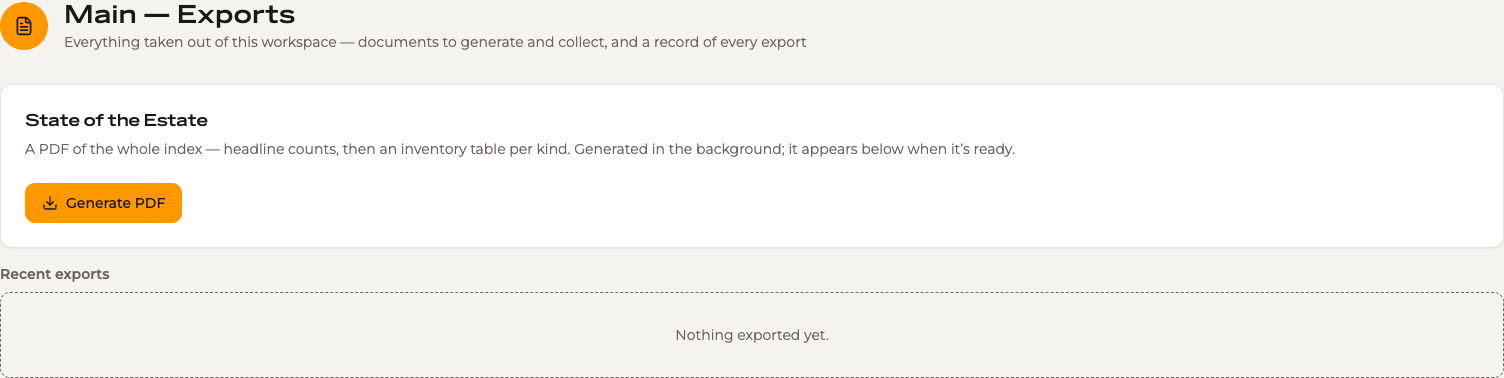
Everything taken out of this workspace — documents to generate and collect, and a record of every export
Exports is where the workspace produces files, and where it keeps the record of every file that has left it.
Two things live here: documents Aplas generates for you, and the ledger of everything exported from anywhere in the studio.
State of the Estate
A PDF of the whole workspace — headline counts, then an inventory table per asset type. It is the document to hand to someone who wants the catalogue rather than access to it: a steering committee pack, an audit response, a point-in-time record.
Generate PDF starts it. Generation runs in the background, so you can carry on working; the document appears in the list below when it is ready.
Taking a view to Excel
Any grid or table view exports as a spreadsheet, from the type menu in the Inventory breadcrumb or the equivalent on a table view.
The export is exactly what you are looking at — the visible columns, the active search and filters, and the current sort. The menu names the number of rows it will produce, so there is no ambiguity about what you are about to get:
Export 18 rows      → no filter applied
Export 9 rows       → with Map Size: Large applied
A row hidden by a filter is not in the file. If you want everything, clear the filters first.
The export ledger
Recent exports lists what has left the workspace, however it was produced — the State of the Estate PDF, a grid export from Inventory, a table view taken to Excel.
The ledger records the export, not a copy of the file: a grid export streams straight to your browser and is never stored on our side. What the ledger keeps is the fact of it, and the parameters that produced it — which is enough to run the same export again later and get the current data in the same shape.
Re-running a recorded export uses your permissions at the time you run it, not the permissions of whoever created the record. If yours are narrower, Aplas says so before it runs.
For an organization-wide picture — every file uploaded or downloaded across all workspaces — see Configuration > Imports & Exports.